
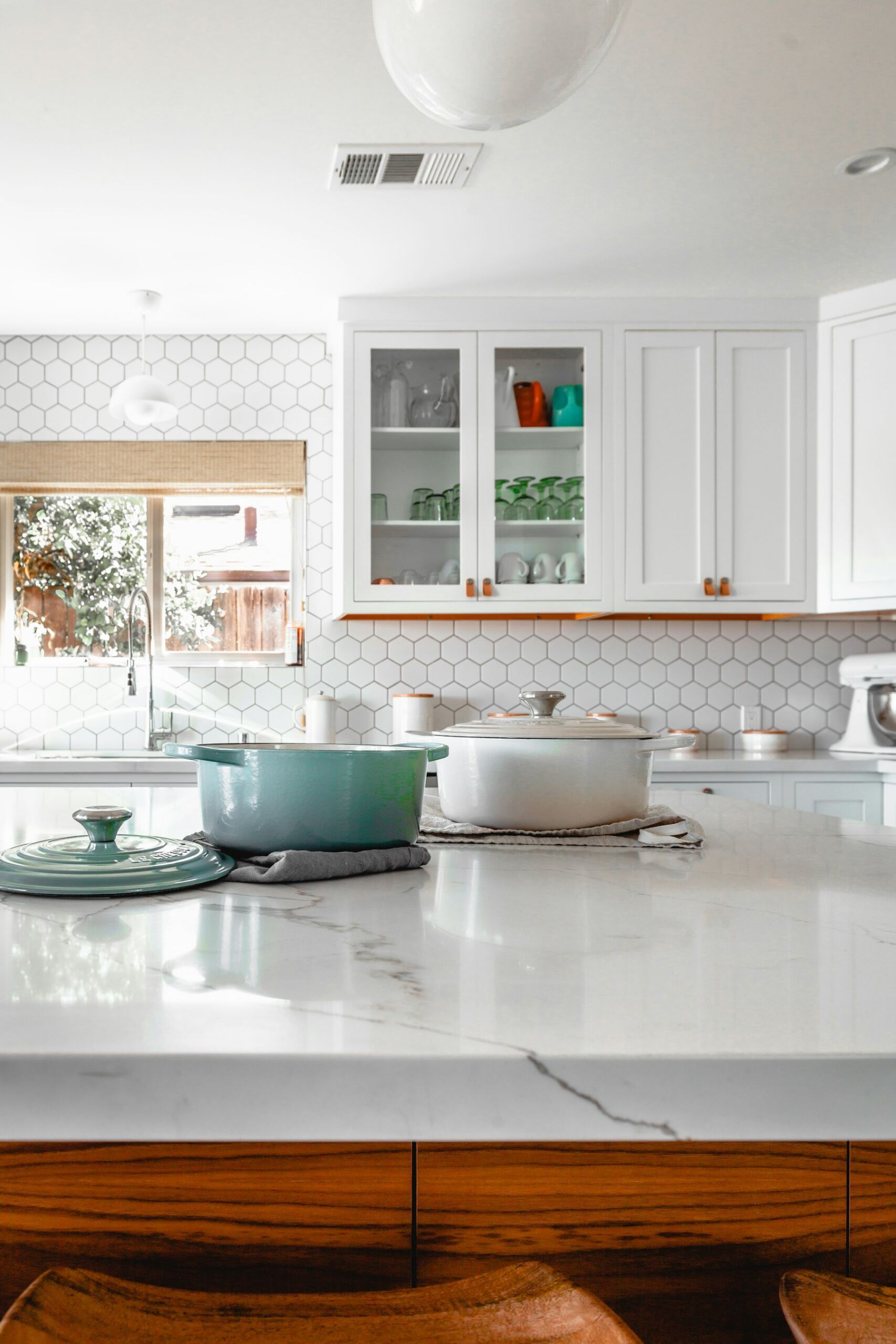
The kitchen chair was designed for soup, not for six hours of email. Home office ergonomics is the unglamorous name for the reason your neck, wrists, and low back now have a side hustle of their own. OSHA’s computer-workstation eTool exists because this is an occupational problem, even when the occupation is you, in sweatpants, at a table that is 29 inches high.
Most people prefer a work surface around 26 inches, OSHA notes, while typical tables sit near 29. That extra height shrugs your shoulders and bends your wrists unless you raise the chair until your feet dangle. Dangling feet are not a work style. They are a circulation complaint waiting for a name.
Home office ergonomics starts with the chair you already own
You do not need carbon fiber. You need a seat that lets your feet rest flat, your thighs roughly level, and your lumbar curve supported. If the kitchen chair has a hard lip that cuts the back of your legs, it is a dining prop. A $30 footrest and a rolled towel for the low back are more honest than a “ergonomic” stool with no adjustment.
Screen position is the other half. The American Optometric Association wants the monitor 16 to 30 inches away, top of the screen slightly below eye level, tilted back 10 to 20 degrees. OSHA’s environmental notes add lighting: too much light makes glare; glare makes you crane. A window behind the screen is a daily squint. Turn the desk, or kill the glare with a shade, not with a forward head posture.
Keyboard and mouse should let your wrists stay straight, not cocked up on a dining table edge. If you type on a laptop for a full day, you are choosing between your neck and your hands. A separate keyboard and a stack of books under the laptop is a real workstation. A laptop on a cutting board is a hobby.
The pain is information, not a badge
Musculoskeletal complaints from computer work are common enough that OSHA built an entire eTool around chairs, desks, monitors, and pointing devices. Numb fingers, a hot wrist, a shoulder that never drops — those are not “getting older.” They are a setup that failed. Ignore them long enough and you buy physical therapy with the money you saved on a chair.
Standing does not automatically fix a bad height. A too-tall kitchen counter used as a standing desk shrugs the same shoulders. Alternate sit and stand if you have the surface heights to do it without reaching. Then walk. A static pose, sitting or standing, is still a pose.
A one-hour setup that is not a shopping spree
- Feet flat. If they do not reach, lower the chair or add a box. If the table is then too high, the table is the problem.
- Raise the screen with books until your eyes hit the top third. Use an external keyboard.
- Put the mouse next to the keyboard, not on a separate island that makes you reach.
- Light from the side, not from a window in the screen. OSHA: avoid glare, keep humidity 30–60% so eyes do not dry out.
- Every 30 minutes, stand and drop the shoulders. Pain that wakes you at night is a clinician visit, not a new mousepad.
Buy a decent chair when the business can float it. Until then, do not pretend the breakfast stool is a workstation. Home office ergonomics is not interior design. It is how you keep the only employee you have.
Your back is the original contractor
People will spend four figures on a course and zero on the chair that holds the body taking the course. That is a bad capital allocation. Adjust the stack you have. Then, when revenue is real, buy the chair like you would buy a tool. The kitchen can keep its chairs. They were never applying for the job.
If you already hurt, do not stretch your way around a table that is three inches too high. Change the surface or the seat first. Then add movement breaks so the new posture is not just a different freeze. Home office ergonomics is a setup plus a habit. One without the other is how you end up with a fancy chair and the same tight shoulders.