
If your iPhone or iPad is the first thing you check in the morning, today’s update will feel like a fresh coat of paint and a smarter toolbox. Apple has released iOS 26 and iPadOS 26 as free updates, bringing a significant visual refresh alongside practical new features that aim to save time, reduce friction, and make everyday tasks feel more fluid. Engadget spent extended time with the software ahead of launch, and there is broader event coverage for deeper context, but here is the fast, reader friendly rundown you can use right now.
Availability and compatibility
Apple is drawing a new line for eligibility this year. Support has ended for the 2018 iPhone XR, iPhone XS, and iPhone XS Max. A simple rule of thumb helps: iPhones introduced in 2019 or later qualify. That includes iPhone SE second generation and newer, iPhone 11 through iPhone 17 families, the 16e, and iPhone Air, as well as all current 15 and 16 Pro models.
On the tablet side, iPadOS 26 supports iPad Pro M4, iPad Pro 12.9 inch third generation and newer, iPad Pro 11 inch first generation and newer, iPad Air third generation and newer including M2 and M3 models, iPad eighth generation and newer including the A16 variant, and iPad mini fifth generation and newer including the A17 Pro variant. If your device is listed here, you are good to go. If it is not, you can still keep using it, just with some tradeoffs.
Using an older or unsupported device
An unsupported iPhone or iPad will continue to function, but the gap grows over time. As security patches slow and eventually stop, exposure to vulnerabilities increases. Apps you rely on may require a newer OS and could cease to install updates or run altogether. You will also miss the features introduced in iOS 26, from the interface overhaul to communication tools and camera improvements. If you are not ready to upgrade your hardware, keep an eye on app requirements and make regular backups.
Two update paths in Settings
When you open Settings, then General, then Software Update, you may see two options. One track offers a security focused iOS 18.7 update. The other is the full iOS 26 release. Choosing the security update lets you collect critical fixes without adopting major changes right away, which can be helpful if you want stability while developers finish optimizing their apps. Moving to iOS 26 now delivers the redesigned interface and new features immediately. Apple’s summer beta cycle has ironed out many rough edges already, and early follow up patches typically arrive soon after launch to catch anything that slips through.
A new look with “Liquid Glass”
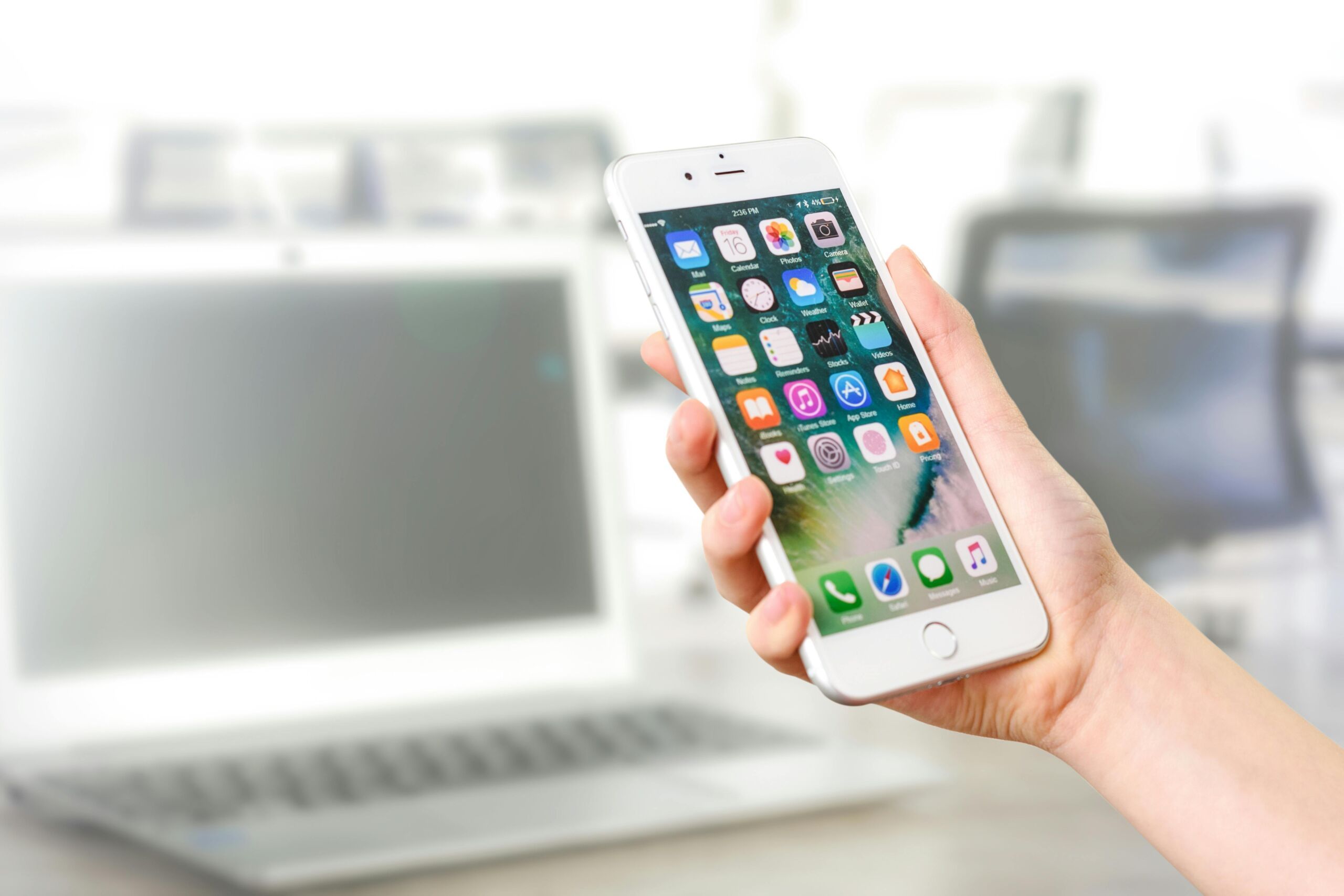
The most visible change is a design system Apple calls “Liquid Glass,” which unifies visuals across platforms. Icons have a refreshed look, there are optional darker or fully translucent treatments, and controls appear to float with a sense of depth that modernizes the interface. The home screen benefits from consistent iconography and polish from edge to edge. If you care about customization, you will notice the difference the moment you unlock your phone.
Core apps and features you will notice
The Phone app now consolidates contacts, recent calls, and voicemail into a single view that speeds up routine navigation. A new Hold Assist feature notifies you when a support agent returns, so you do not have to listen to hold music. Live Translate brings real time translation to phone calls and text conversations, which means cross language chats do not require juggling between apps.
Messages adds a native polling tool in group chats that can cut through noisy back and forth when you are trying to plan. On the lock screen, you will find more control over the clock, 3D style wallpapers, expanded widget options, and streamlined Focus mode controls. Alarms finally let you set snooze duration anywhere from one to 15 minutes, replacing the fixed nine minute default that never suited everyone.
The Camera app gets a cleaner layout with key controls placed for fewer swipes and faster adjustments. There is also a helpful alert that detects and flags a dirty lens that could quietly ruin a shot. For screenshots and images, the edit screen can now run a quick visual search through Google or send the image to ChatGPT for context, which simplifies reverse image lookups and research without extra steps.
How to check and install
To see what is available for your device, open Settings, tap General, then Software Update. If you qualify, you can choose either the security update track or the full iOS 26 or iPadOS 26. Make sure you have a recent iCloud or local backup, connect to reliable Wi Fi, and plug in if your battery is low. The download may take a while on day one as Apple’s servers get busy, so patience helps.
More context and coverage
For a deeper dive into everything new, Engadget has a comprehensive guide to iOS 26, plus coverage that connects this release to Apple’s recent hardware news, including the iPhone 17 lineup and the debut of iPhone Air, and highlights from WWDC 2025. Whether you update today or take the security only path for now, this is one of the more noticeable iOS overhauls in years, and it sets the stage for how iPhone and iPad will look and feel in daily use.
